PeerTube
A federated video platform by Framasoft: independent servers host channels and videos, and viewers watch them in the browser.
Web
Open source

App · Bytedance Pte. Ltd. · Page updated
TikTok Web is the browser version of TikTok from ByteDance, letting you watch, search and post short videos on a Windows PC without installing an app.
Average 0.0 · ratings: 0
Thank you! Your rating is saved; you can change it. Could not save the rating. Please try again later. Too many ratings from your network today. Please try again tomorrow. The average appears after 5 ratings.
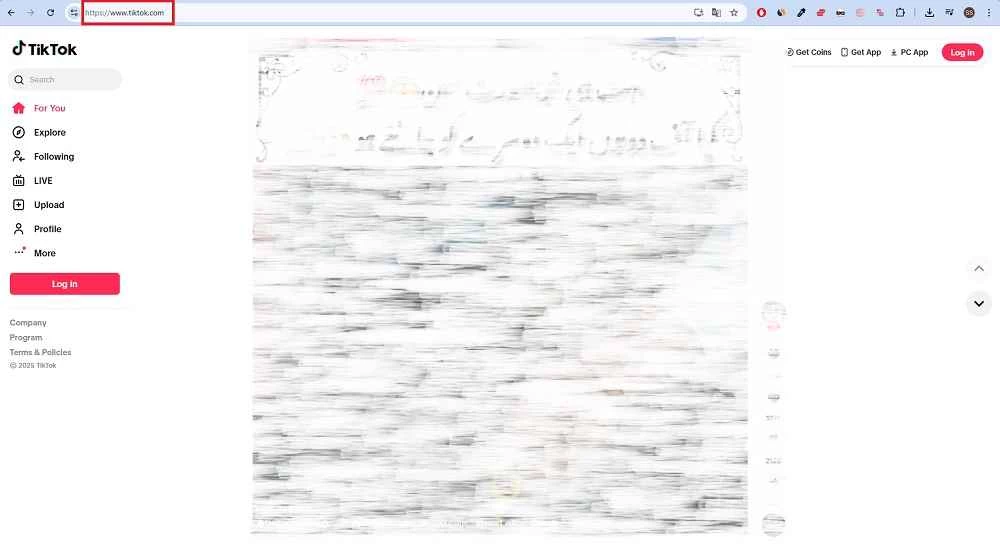
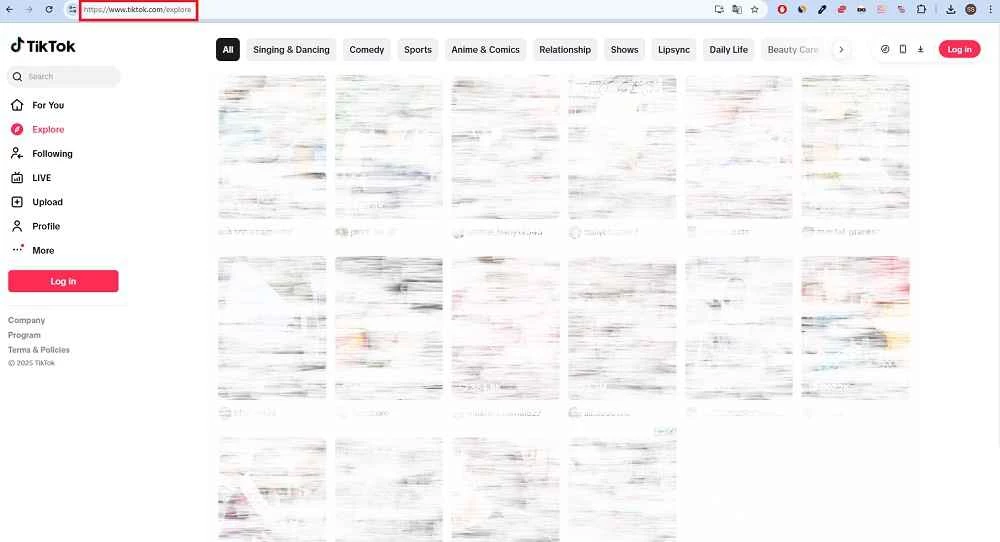
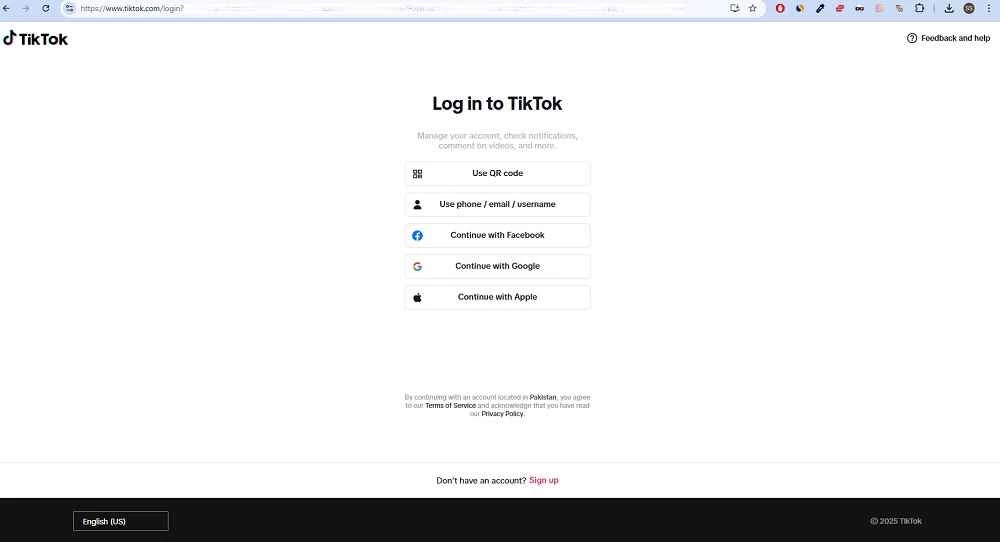
TikTok Web is the browser version of TikTok, the short-video platform from ByteDance. On a Windows PC you open it at tiktok.com in Chrome, Edge, Firefox or another modern browser, sign in and scroll through videos on a big screen. There is nothing to download for TikTok Web itself: the page is the app.
It is the same service you know from phones, delivered through a website. You get the For You feed, the accounts you follow, search, comments, likes and messages, all in a desktop layout with the video in the middle and navigation on the side. Many people use it at a desk because it is easier to read comments, copy links, search for a specific creator or keep a video paused while taking notes. Creators and social media managers like it for a different reason: uploading edited videos from the PC and checking comments is quicker with a keyboard and mouse than on a phone. Some features still appear first, or only, in the mobile app, especially camera effects, live filters and parts of the editing tools, so the website is best seen as a companion rather than a full replacement.
No. A current browser is enough. If you prefer a separate window, browsers such as Edge and Chrome can install a website as an app, which gives TikTok its own icon on the taskbar without any third-party software. Be wary of "TikTok for PC" installers on download portals: they are not from ByteDance and are a common way to spread adware.
Yes. After signing in, use the upload button, pick a video file, add a caption and choose who can see it. For longer or edited clips this is often faster than moving files to the phone first.
Yes. Using the site costs nothing; like the app, it is financed through advertising.
The account settings on the web include privacy options, such as a private account, who can comment and who can message you. Parents can manage these together with their teenagers. Browser extensions that promise to "download any TikTok" or "see who viewed your profile" often ask for access to all websites; avoid them.
Other social networks in our listings include Instagram, Snapchat, Threads, X (Twitter), Reddit and LinkedIn.

Reddit for Windows is the desktop app of Reddit's discussion platform, where communities called subreddits share news, questions and posts.

Facebook Lite is the lightweight version of Facebook from Facebook Inc. This page covers build 530.0.0.8.106 listed for Windows.

The official Snapchat app for Windows from Snap Inc., available in the Microsoft Store. It runs Snapchat for Web in its own window.

X, formerly Twitter, is a microblogging service from X Corp. The Windows app puts your timeline, notifications and messages in a desktop window.

Threads is Meta's social networking and microblogging service for short public posts, connected to your Instagram account.

Instagram is Meta's photo and video social network. The Windows app brings the feed, Reels and direct messages to a PC running Windows 10 or 11.

LinkedIn for Windows is the desktop app of the social network for professionals, used for networking, job search and industry news.